
We spend a lot of our time telling clients the same few things about their websites. Know who it’s for. Say clearly what you do. Make it easy to get around, especially on a phone. Show proof, not promises. Make sure Google can understand it. Then keep it up to date.
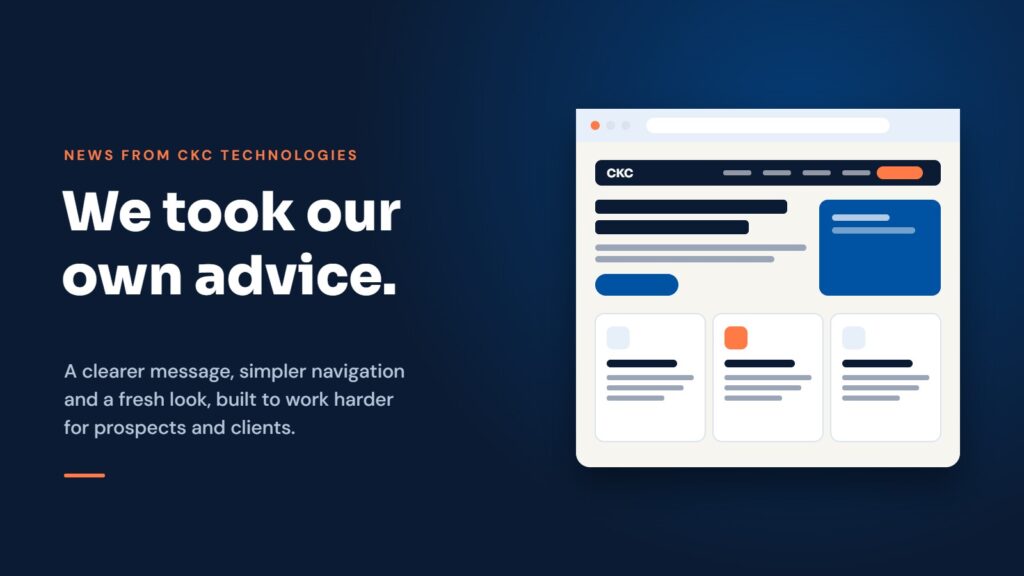
So when we looked honestly at our own site, it was a little uncomfortable. It had grown page by page over several years, it still talked about services we no longer offer, and older pages didn’t look like newer ones. It was time to take our own advice. This post walks through what we changed and why, in case it’s useful for your own site.
Why we changed it
The biggest reason was that our business has changed. We now focus on what we do best: website design and hosting, domain names, SSL certificates and business email, and iOS app development for iPhone and iPad. We no longer provide managed IT services, so every page that talked about antivirus, backup or Microsoft 365 support needed to go.
A website that describes a business you used to be is confusing for everyone. Prospects can’t tell what you’d actually do for them, and search engines get mixed signals about what you should be found for.
We started with the people using it
Before changing a single colour, we wrote down who visits our site and what they need.
- Prospects want to know what we do, roughly what it costs, whether we’ve done it for businesses like theirs, and how to get in touch.
- Existing clients want to find support quickly and check details about their hosting, domains and email.
- People using our apps want help, answers to common questions and our privacy policies.
Every decision after that was tested against those three groups. If a page didn’t help one of them, it was merged, rewritten or removed.
A clearer message, straight away
The homepage now says what we do in one line, then shows our core services, our work and how to contact us. The services page brings everything together in one place, with plain-English descriptions rather than jargon. Each service page follows the same pattern: what it is, who it’s for, what’s included and what to do next.
Simpler navigation
The main menu is now short and predictable: Services, Websites & Hosting, Domains & SSL, iOS Apps, Our Work, About and News, with a “Contact us” button that’s always visible. On a phone, the same links sit behind a single menu button, laid out so they’re easy to tap.
We also changed several page addresses so they describe what’s on the page. For example, our app development page now lives at /ios-app-development/. Every old address redirects to its new home, so bookmarks and links from other websites still work.
Pages for the trades we work with
Many of our clients are local trades and professional firms, so we built dedicated pages for plumbers, electricians and accountants. Each one covers the problems we hear most often, what we do about them, clear monthly packages, the areas we cover across Gloucestershire and Worcestershire, and answers to common questions.
Proof, not promises
It’s easy for any agency to say it builds great websites. It’s more useful to show it. Our portfolio now shows real sites we’ve built, and our trade pages include case studies such as Watkins Iles and JPD Accountancy, so you can see the kind of work we’d do for you.
A fresh, consistent look
We rebuilt the whole site on a single design system: one set of colours, two typefaces (Sora for headings, DM Sans for body text), and a small library of reusable sections such as cards, pricing tables and FAQs. Every page, from the homepage to our privacy policies, now looks like part of the same site.
Behind the scenes, we moved to a lightweight theme and Elementor’s newer editor, which produces cleaner code with less styling to load. That keeps pages quick and makes the site easier for us to maintain.
Built to be found on Google and in AI search
More people now ask AI assistants for recommendations as well as searching Google. Both work best with content that is clear and well structured, so we:
- gave every page one clear main heading and a logical structure underneath it
- wrote a descriptive title and summary for each page
- marked up our FAQs so search engines can read the questions and answers directly
- added our business details, address and opening hours in a format search engines understand
- tidied the sitemap so only the pages that matter are listed
None of this is a trick. It simply makes it easier for search engines and AI tools to understand what we do, where we do it and who it’s for.
A proper home for our apps
We also build and publish our own iPhone apps, including Crumb, Echo Journal, Aftertaste and Pet Memorial. Each app now has its own page with screenshots, features, pricing and FAQs, plus dedicated support and privacy pages. It’s also a practical showcase for anyone thinking about an app of their own.
What we’d suggest for your website
If you’re wondering whether your own site needs attention, these are the questions we asked ourselves:
- Does it describe the business you are today, not the one you were a few years ago?
- Can a new visitor tell what you do, and who for, within a few seconds?
- Is the menu short, and does it work well on a phone?
- Do you show real examples of your work?
- Does every page have a clear next step, such as a phone number, a form or a button?
- Will old links still work if you change page addresses?
If the answer to any of these is “not really”, you’re not alone. It was true for us too.
Want the same for your business?
We’d be happy to take a look at your current website and give you some honest, practical suggestions, with no obligation. Get in touch or call us on 01684 342233.