
Gift ideas app for iPhone
Someone mentions a book they’d love or a candle they liked, and a month later it’s gone from your head. Crumb gives you somewhere to put those little hints the moment you hear them — then reminds you just before the birthday or anniversary.

Features
01
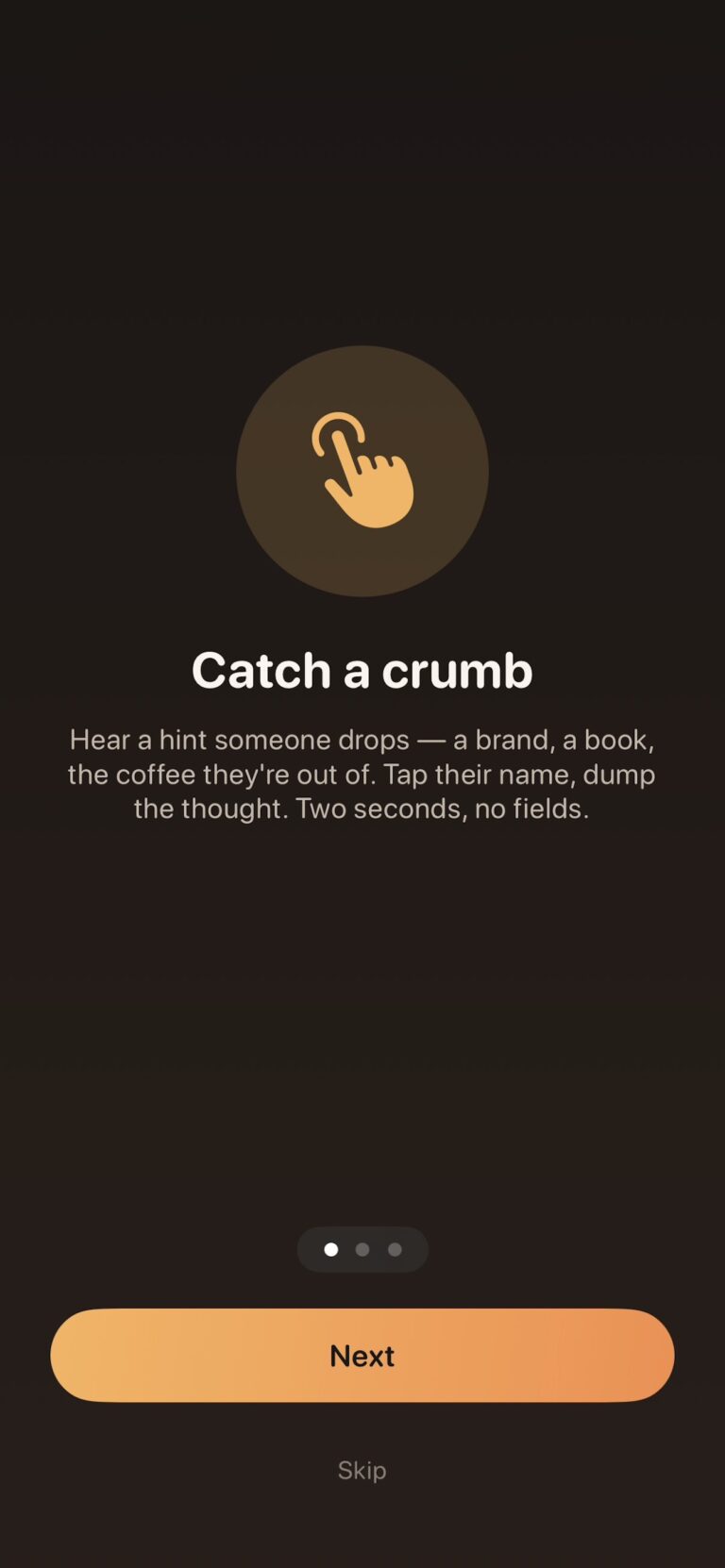
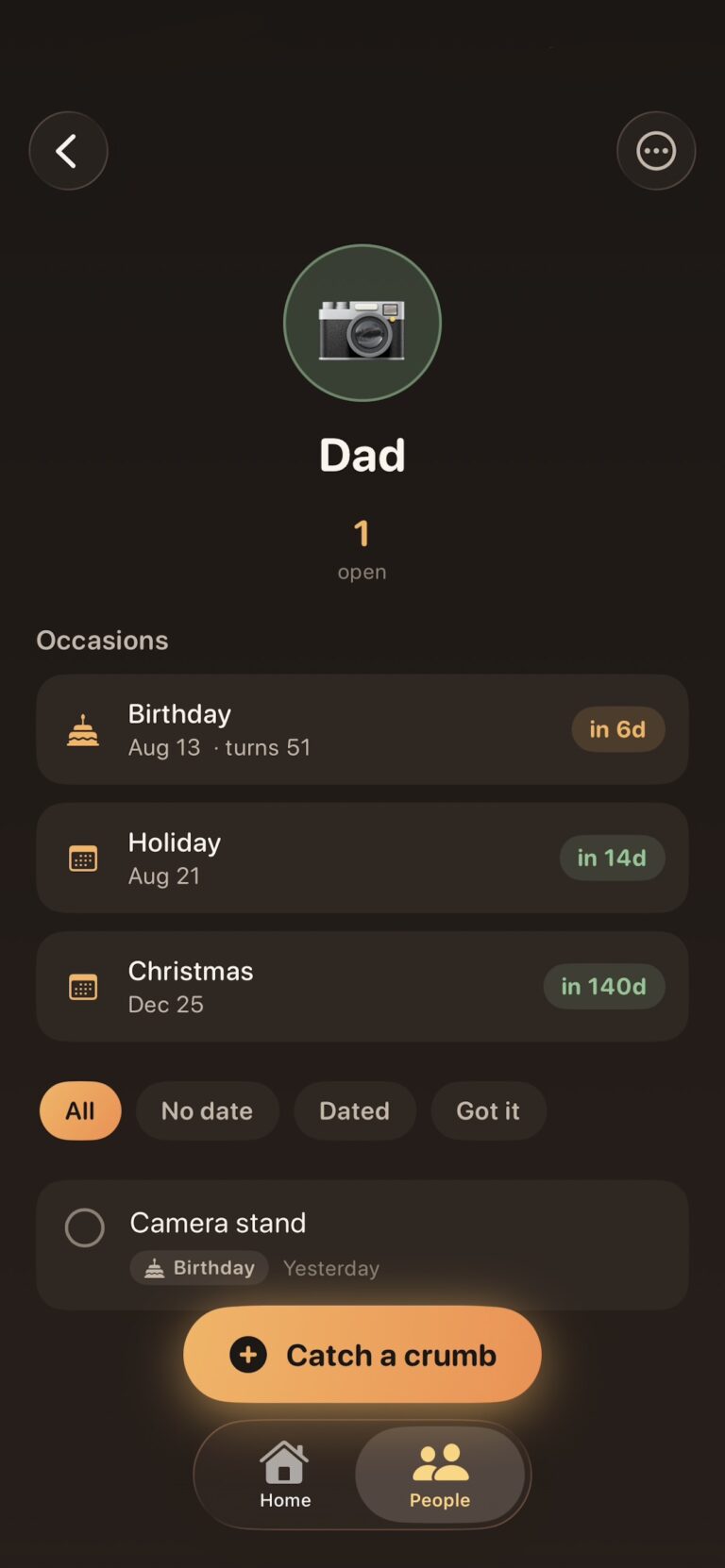
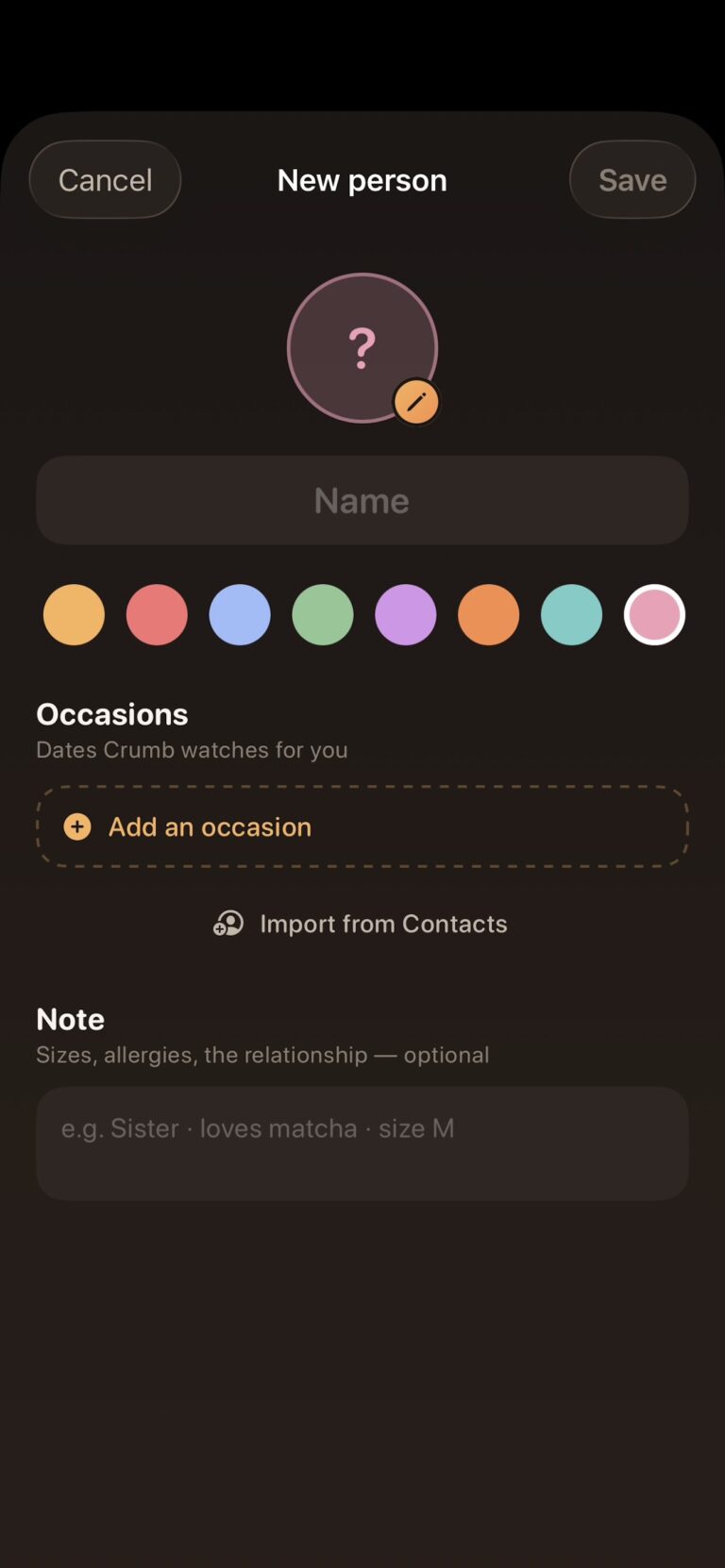
Gift ideas come up in passing, so saving them should be just as quick. Add the people you buy for, then save each idea as a “crumb”. No forms, no fields — type the idea, link it to a person and an occasion, and get on with your day.
02
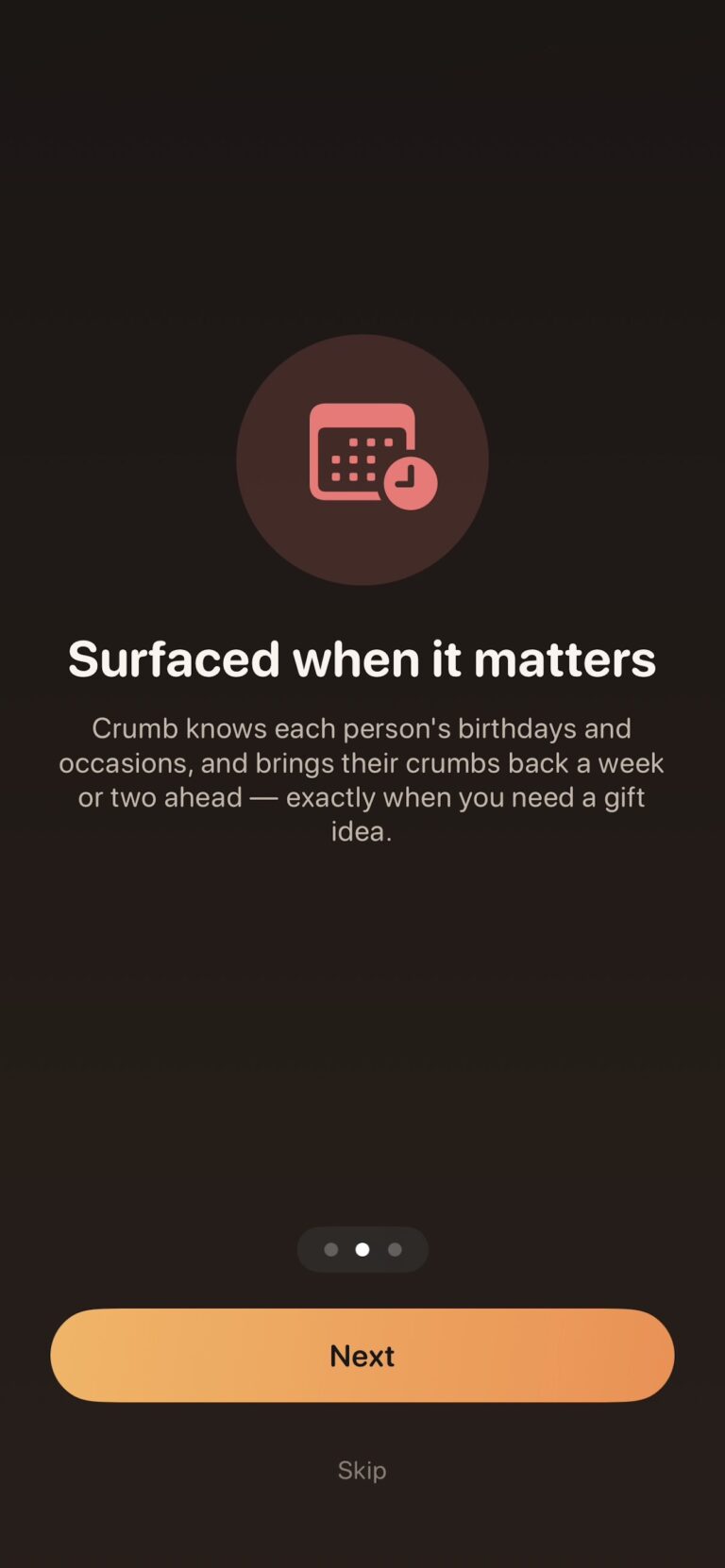
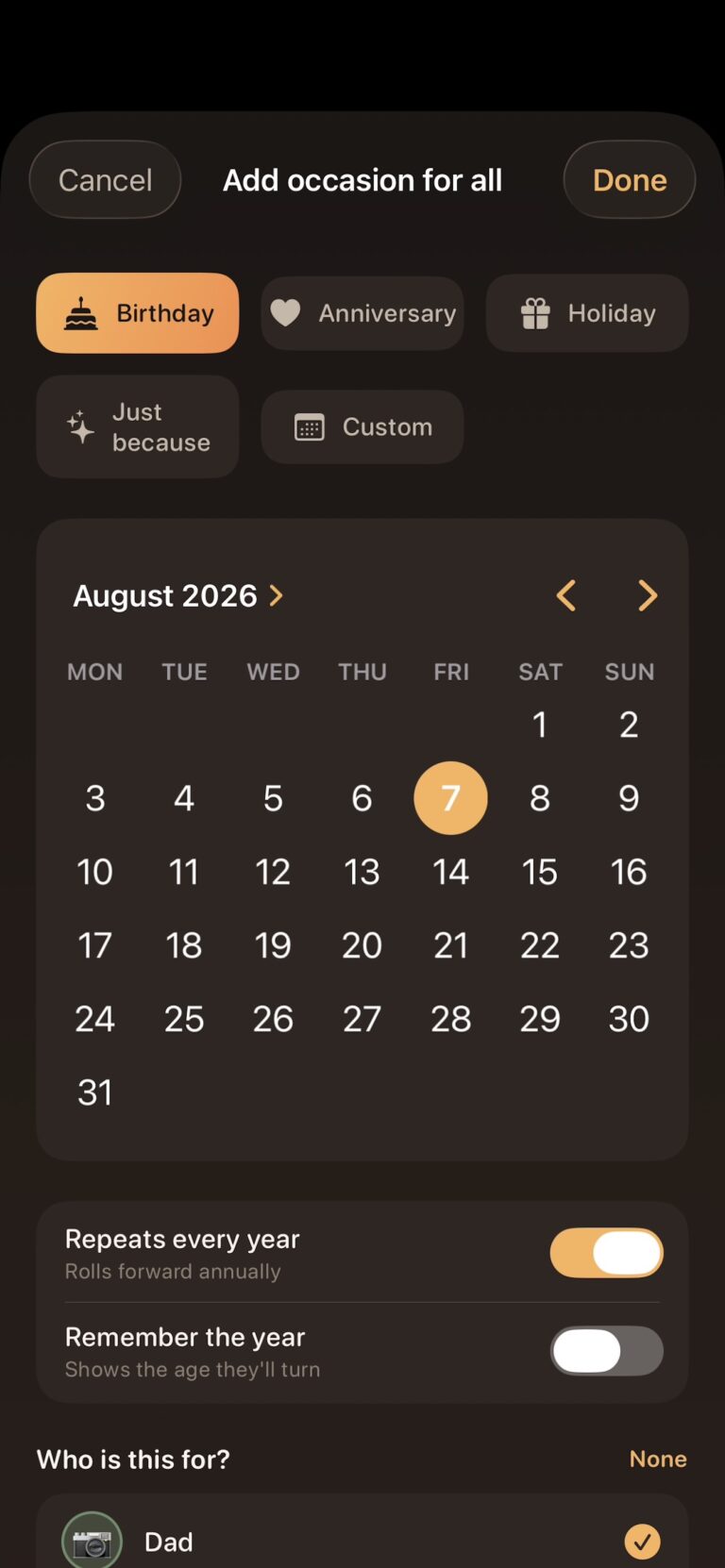
Crumb organises your ideas around the dates that matter. The Home tab groups crumbs by occasion and counts down the days. A few days before each occasion you get a single notification with your ideas ready, and occasions roll forward every year automatically.
03
Crumb stores everything on your iPhone. No accounts, no cloud syncing and no tracking — the App Store privacy label says “Data Not Collected”. Your gift ideas stay a surprise.
Screenshots
Pricing
Free
£0
One-time purchase
£5.99
FAQs
What is Crumb?
Crumb is a gift planner for iPhone. It saves gift ideas for the people in your life and reminds you before their special occasions.
What’s a crumb?
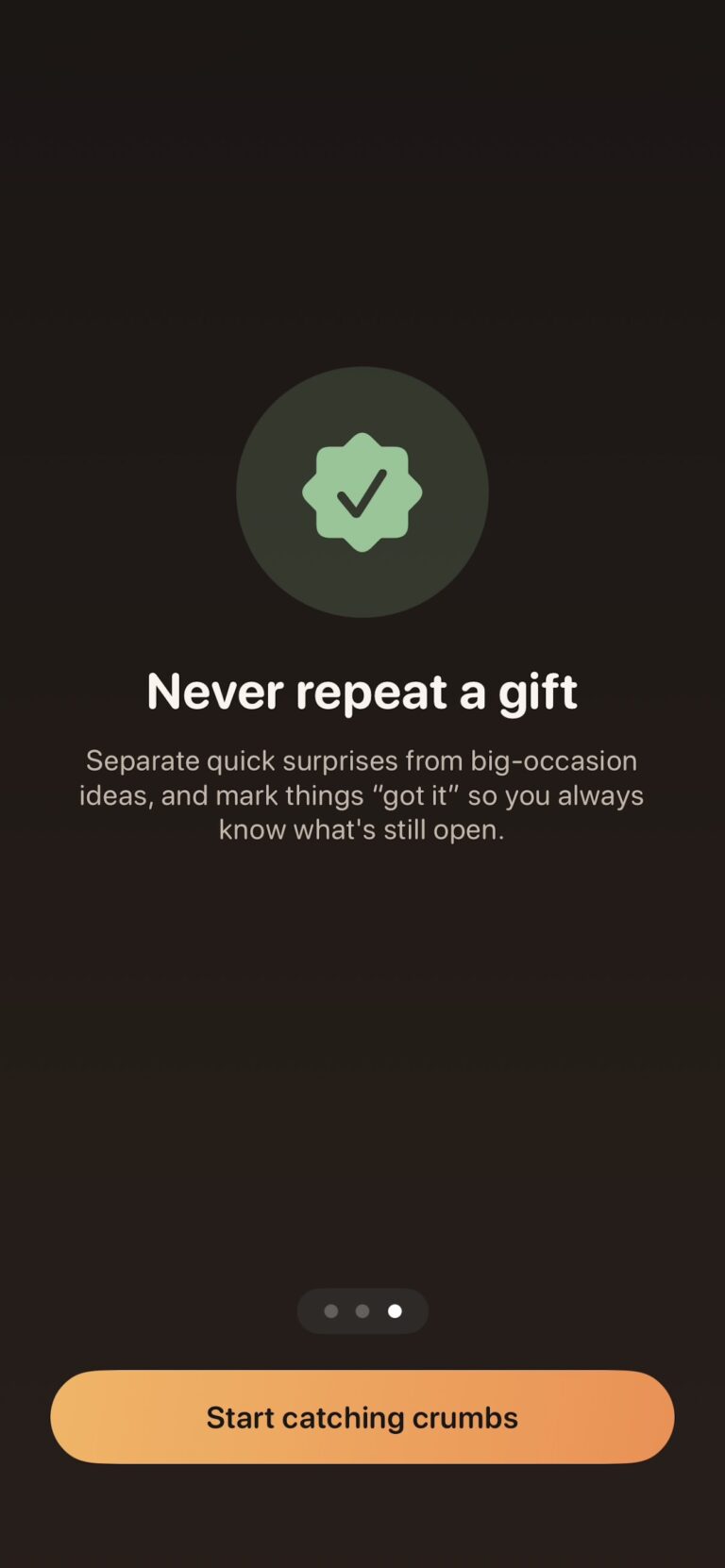
It’s a gift hint: something someone mentioned, liked or wished for, saved against that person and an occasion.
Do I need an account?
No. Open the app and start adding people.
What devices does it work on?
It works on iPhone with iOS 17 or later, Macs with Apple silicon running macOS 14 or later, and Apple Vision Pro with visionOS 1 or later.
Which occasions can I add?
You can add birthdays, anniversaries and other occasions such as holidays.
Do I have to re-enter dates every year?
No. Occasions roll forward automatically each year.
Can I import birthdays from my contacts?
Yes, with Crumb Pro. It imports people and their birthdays straight from Contacts.
When will I be reminded?
You’ll get one notification a few days before each occasion, with your saved crumbs ready to look through.
Will Crumb send me lots of notifications?
No. You get one reminder per occasion and nothing more.
Where is my data stored?
Only on your iPhone. Crumb doesn’t use cloud syncing.
Does Crumb collect any data?
No. The App Store privacy label is “Data Not Collected”.
What does Crumb Pro include?
It lets you attach photos to crumbs and import people and birthdays from Contacts.
Is it a subscription?
No. It’s a one-time purchase of £5.99.
How do I restore my purchase on a new device?
Tap Restore Purchases in the app, signed in with the same Apple ID.
Made with care
We’ve all heard the perfect gift idea and forgotten it by the time the birthday came round, so we built a simple way to hold on to it.
Have an app idea of your own? See our iOS app development service →
