
Pet memorial app for iPhone and iPad
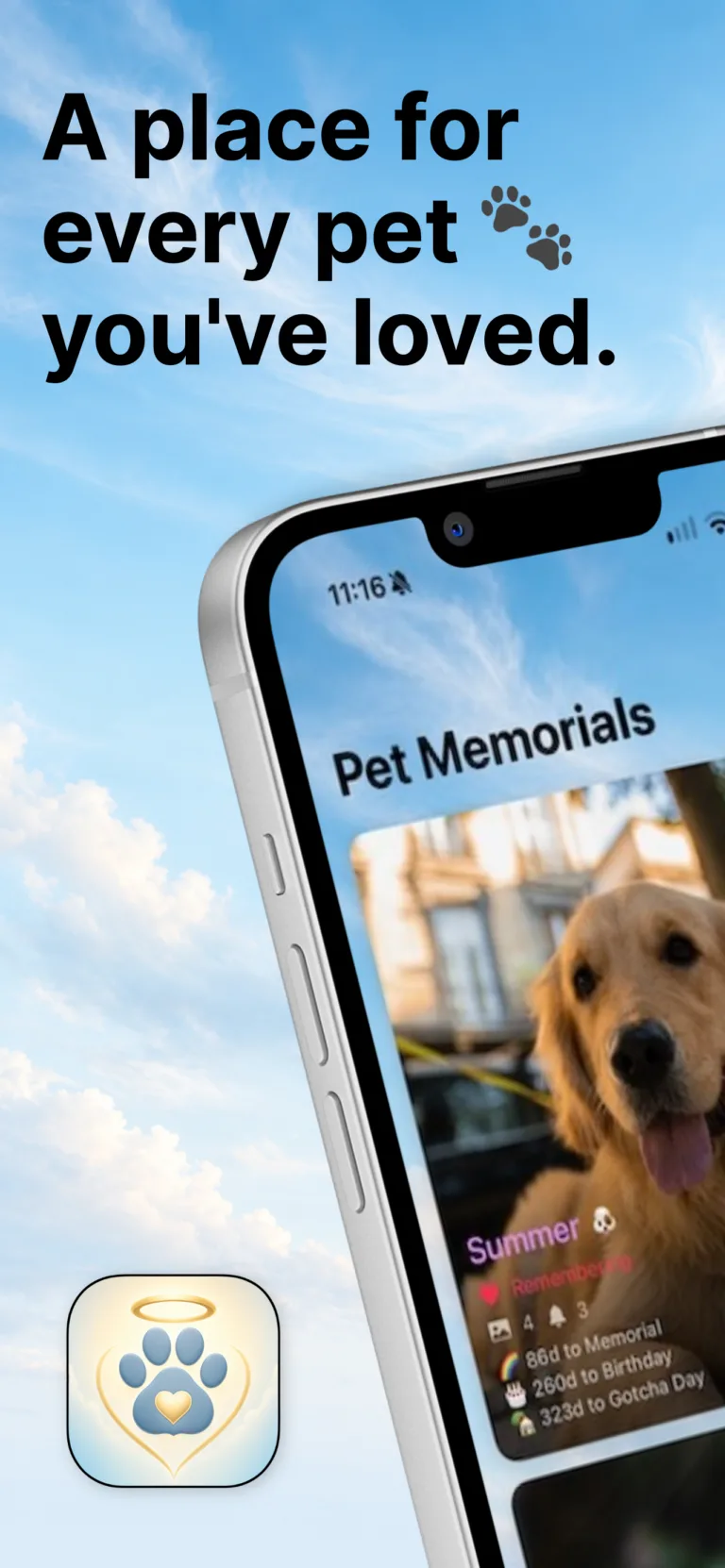
Dogs, cats, rabbits, horses, birds and every other companion. Keep their photos, videos and the dates that mattered, then turn them into a memorial slideshow for the whole family.

Features
01
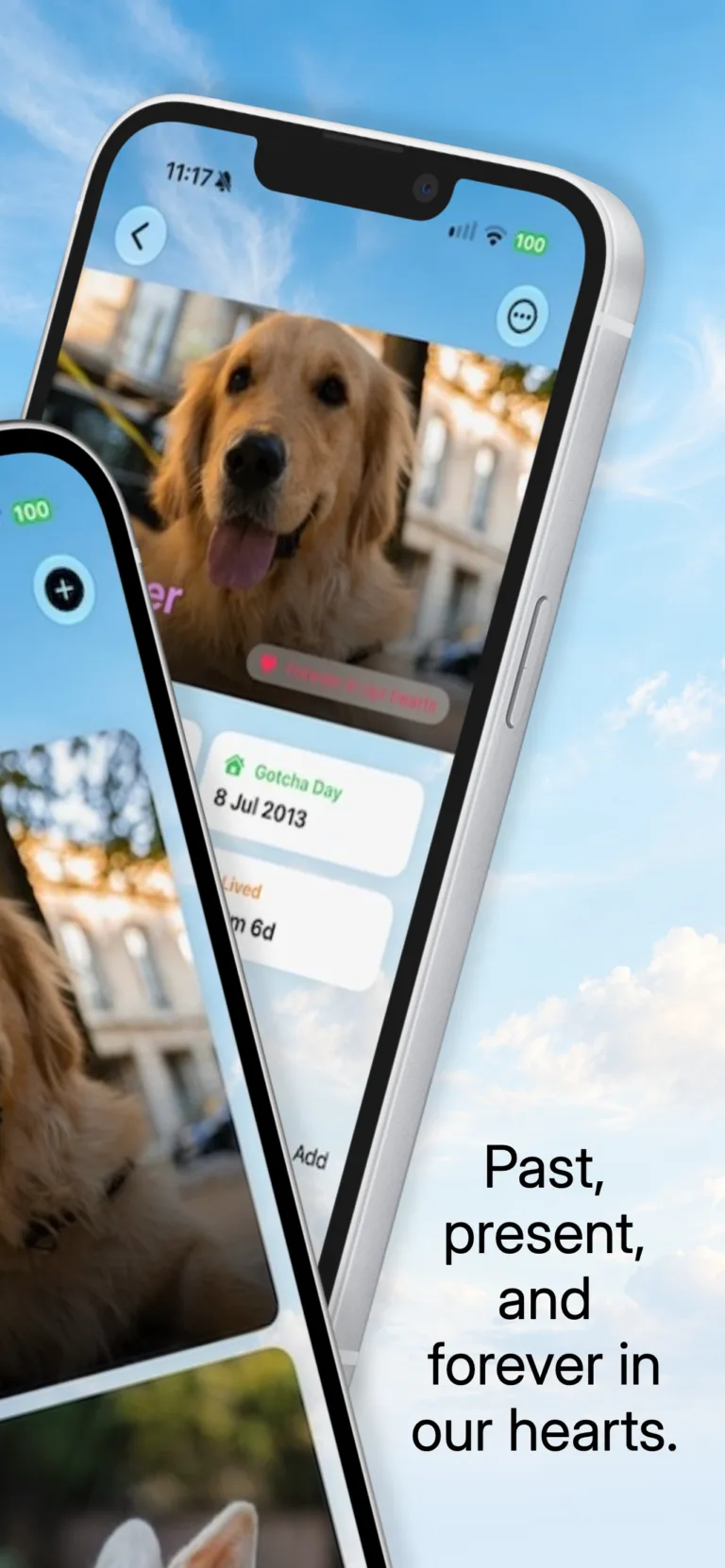
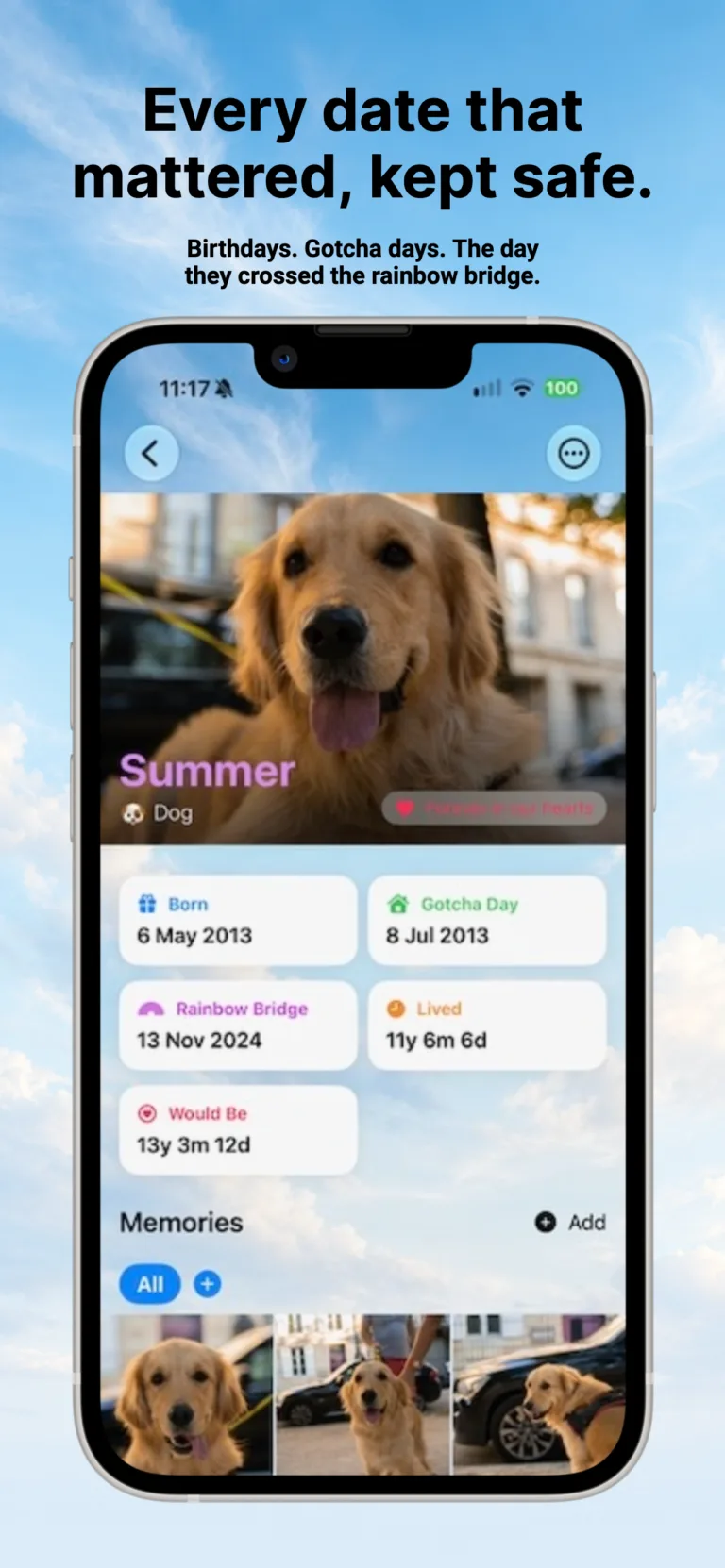
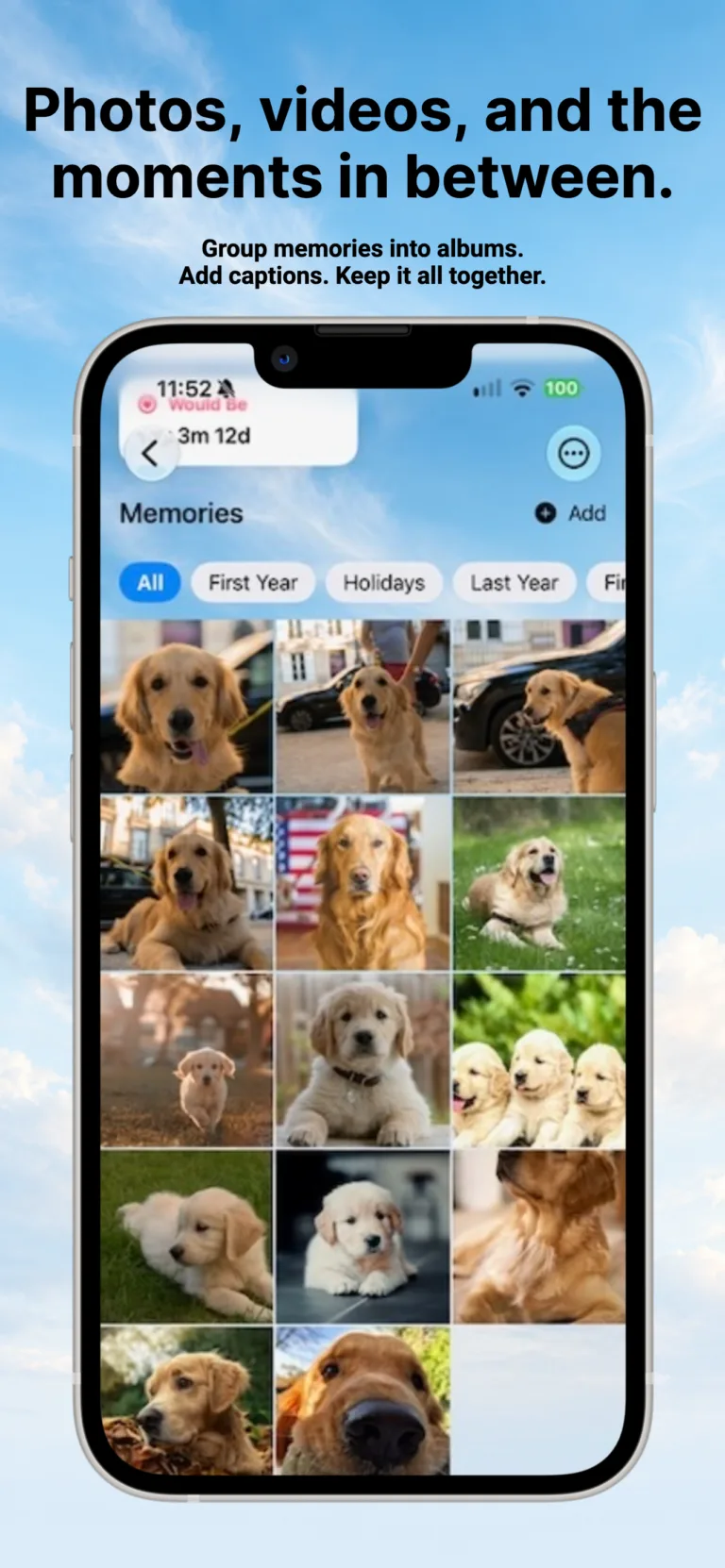
Cats, dogs, rabbits, horses, birds — every species, every story. Each pet gets their own profile, photos, videos, and the dates that mattered most.
02
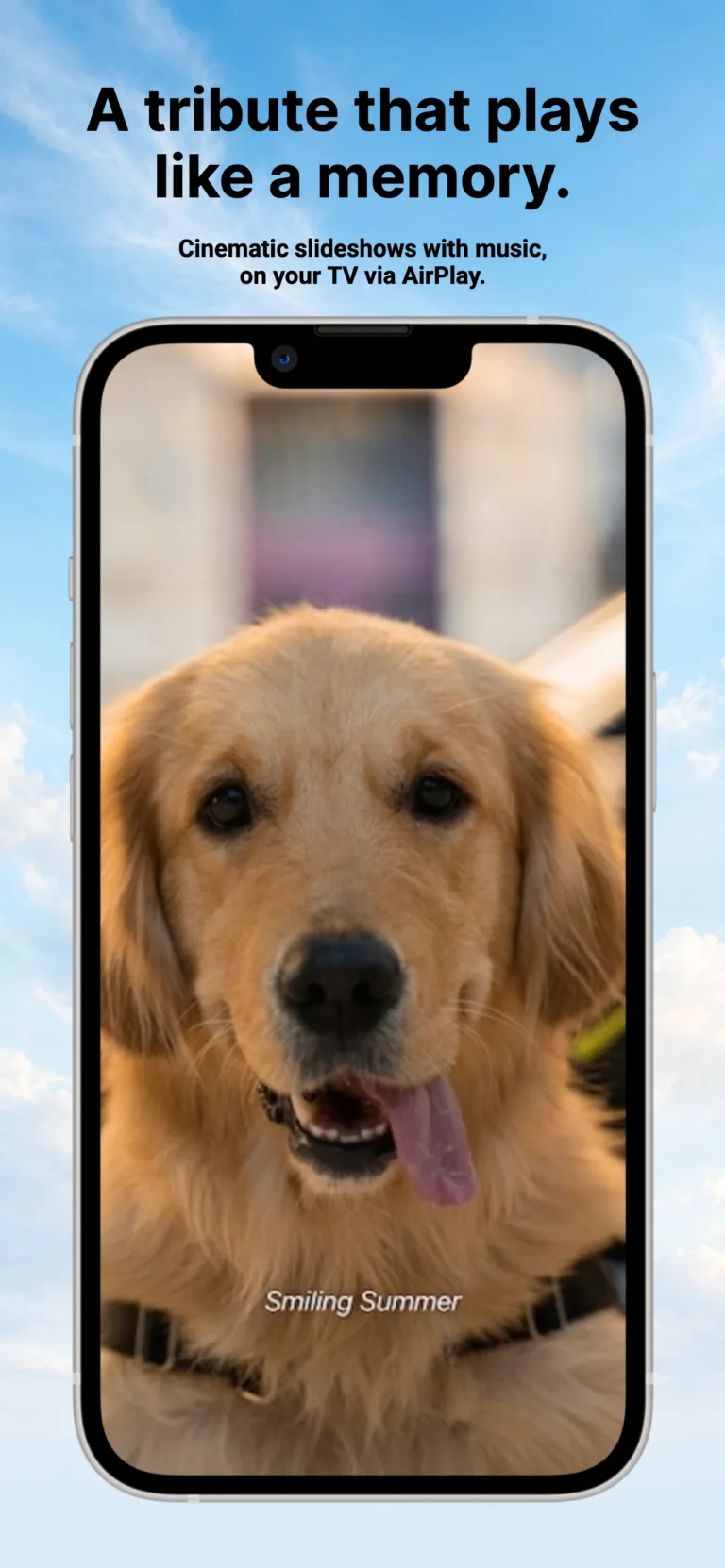
Press play and the camera roll becomes a tribute. Cinematic animations, your captions, your music — and AirPlay to the family TV.
03
No accounts. No advertising. No data collection. Your memories sync privately through your own iCloud, and stop there.
Screenshots
Pricing
Free
£0
Cancel any time
£1/month or £10/year
FAQs
How do I add my first pet?
Open Pet Memorial and tap the + button. Add a name, choose the species, and add a photo. You can fill in dates and locations later — there’s no rush.
Why can I only add one pet?
The first pet is free, forever, and includes 10 photos or videos, one album, and one reminder. To add more pets — or to lift those limits — tap the star icon to subscribe to Premium (£1/month or £10/year). Your first pet’s data is unaffected either way, and nothing you’ve already added is ever removed if you cancel.
How do I add photos and videos?
Open a pet, scroll to “Memories”, and tap “Add”. You can pick from your Photos library or take a new picture.
Can I group photos into albums?
Yes. From a pet’s profile, you can create albums like “First Year” or “Walks” and assign memories to them. Albums make slideshows much more meaningful.
Are my photos uploaded to a server?
No. Photos are stored locally on your device, and synced privately through your own iCloud (CloudKit). No copies leave your Apple account.
How does the slideshow work?
Open a pet, tap “Remember [name]”, and choose either “All Memories” or a specific album. Then choose your music — the included memorial music, or a song from your Apple Music library.
Can I cast it to my TV?
Yes. Tap the AirPlay icon during a slideshow and select your Apple TV.
Why isn’t my Apple Music song playing?
Some songs need to be downloaded for offline use first. Open the Music app, find the song, and tap the download icon. Then try the slideshow again.
How do I add a reminder?
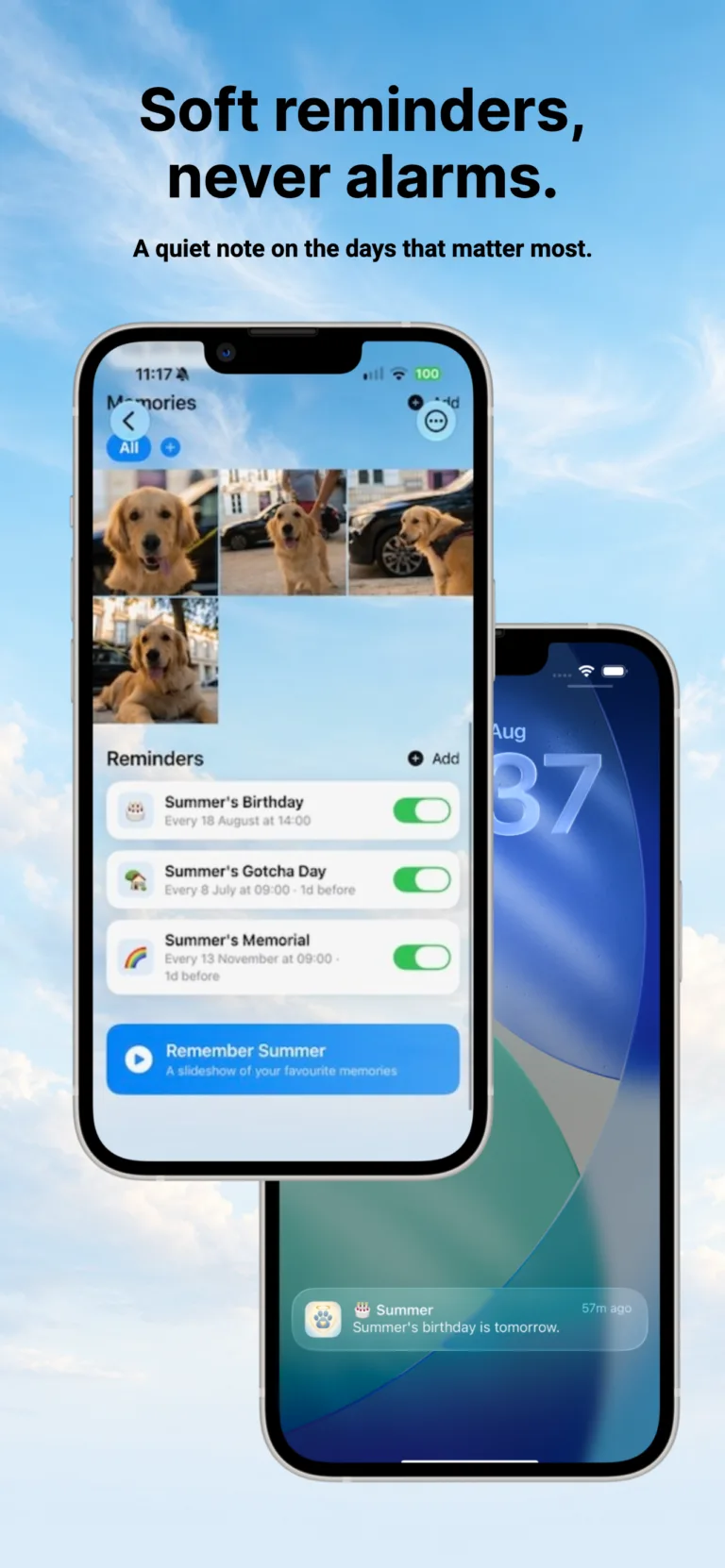
Open a pet, scroll to “Reminders”, and tap “Add”. You can set reminders for any date — birthday, gotcha day, anniversary, vet check-up — and choose how often it repeats.
Can I turn off reminders?
Yes. You can delete individual reminders, or disable notifications for the app entirely in Settings → Notifications → Pet Memorial on your device.
Is my data backed up?
If you’re signed in to iCloud and have iCloud Drive enabled, your pets, photos, and videos sync automatically across your iPhone and iPad through Apple’s CloudKit. Even we can’t see them.
Does Pet Memorial collect any data?
No. There are no analytics, no third-party SDKs, and no user accounts. We never see what’s in your app.
What happens if I delete the app?
The data on that device is removed. If you have iCloud sync enabled, your data is still safe and will reappear when you reinstall.
Can I share a pet with my partner or family?
Yes. From a pet’s profile, tap the menu and choose “Share”. This creates a .petmemorial keepsake file you can send via Messages, Mail, or AirDrop. The recipient opens it in their copy of Pet Memorial.
How do I cancel my subscription?
Open the Settings app on your iPhone → tap your name at the top → Subscriptions → Pet Memorial, then choose Cancel. Your existing pets remain — you just won’t be able to add more.
How do I restore a previous purchase?
Open Pet Memorial, tap the star icon, and tap Restore Purchases at the bottom of the subscription screen.
Made with love
We built the app we wished we’d had after losing our own. We hope it brings you a quiet kind of comfort.
Have an app idea of your own? See our iOS app development service →
